
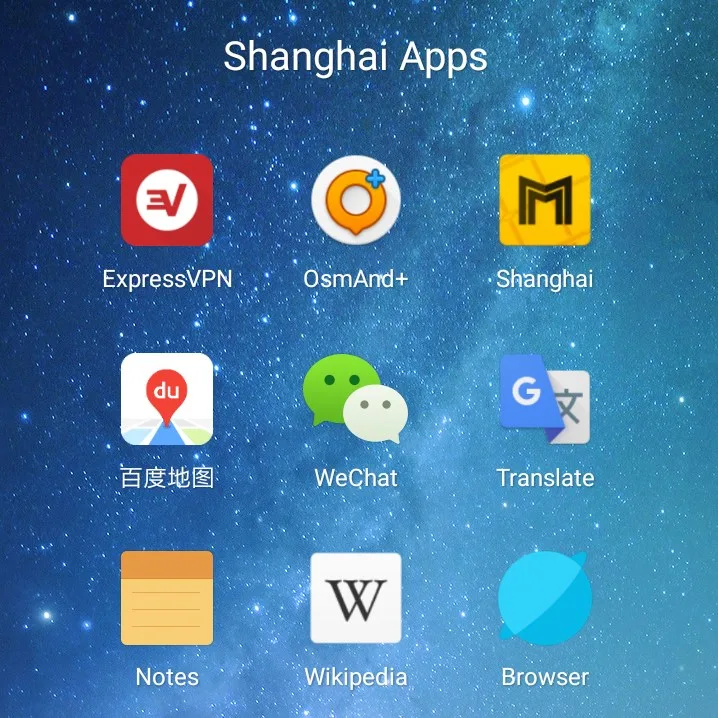
15 Essential Apps for China Travel (Foreigner-Friendly)
The 15 must-have apps for China in 2026: Alipay, WeChat, DiDi, Amap, Pleco, VPN, eSIM, and more. What each does, free or paid, and how to set them up before you fly.
Download these 15 apps before you fly and you’ll handle 95% of situations in China as smoothly as a local. Most are free, all work with foreign phone numbers, and none require a Chinese ID to register. The most important three — Alipay, WeChat, and a VPN — should be set up before your plane takes off, because some are hard to download once you’re inside China.
This is the complete 2026 stack, ordered by priority.
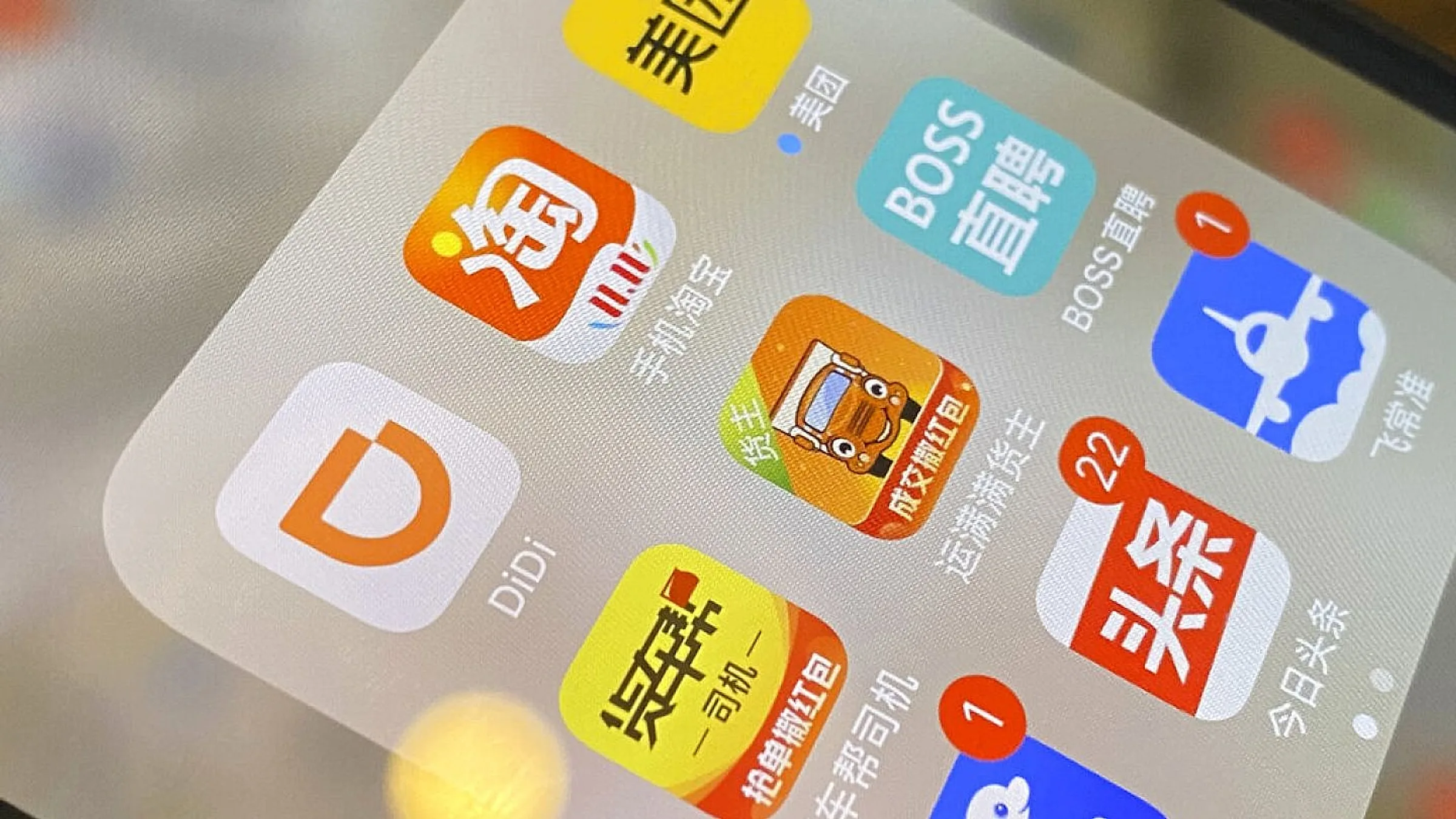
The non-negotiables (install these first)
1. Alipay
What it does: Pay for everything — restaurants, taxis, hotels, attractions, street food, trains, flights. Built-in translation (point your camera at a Chinese menu). Mini-programs for almost every Chinese service.
Free or paid: Free.
Setup: See the full Alipay setup guide — takes 5 minutes with your passport and a foreign Visa/Mastercard.
Why it matters: 95% of urban merchants accept Alipay. You’ll use it 20+ times a day.
2. WeChat
What it does: Messaging, voice calls, video calls, person-to-person payments, WeChat Pay, taxi hailing, restaurant reviews, mini-programs for hotels and attractions, official accounts for tourism boards.
Free or paid: Free.
Setup: Register with your foreign phone number. To unlock payment features, complete real-name verification with your passport. See WeChat Pay setup.
Why it matters: Chinese contacts (hotels, guides, locals) all use WeChat. Many vendors prefer it over Alipay. Required if you want to chat with anyone during your trip.
3. A VPN
What it does: Accesses Google, Gmail, WhatsApp, Instagram, YouTube, X, Facebook, Reddit, and most Western news. Required because the Great Firewall blocks them.
Free or paid: Paid. Free VPNs don’t work reliably in China. $3–$13/month.
Setup: Install and test before flying. See the China VPN guide for setup specifics.
Why it matters: Without a VPN, Google Maps doesn’t work (and Google Maps is genuinely useful). Gmail, WhatsApp, Instagram, and your usual news sites are all blocked.
4. DiDi (滴滴出行)
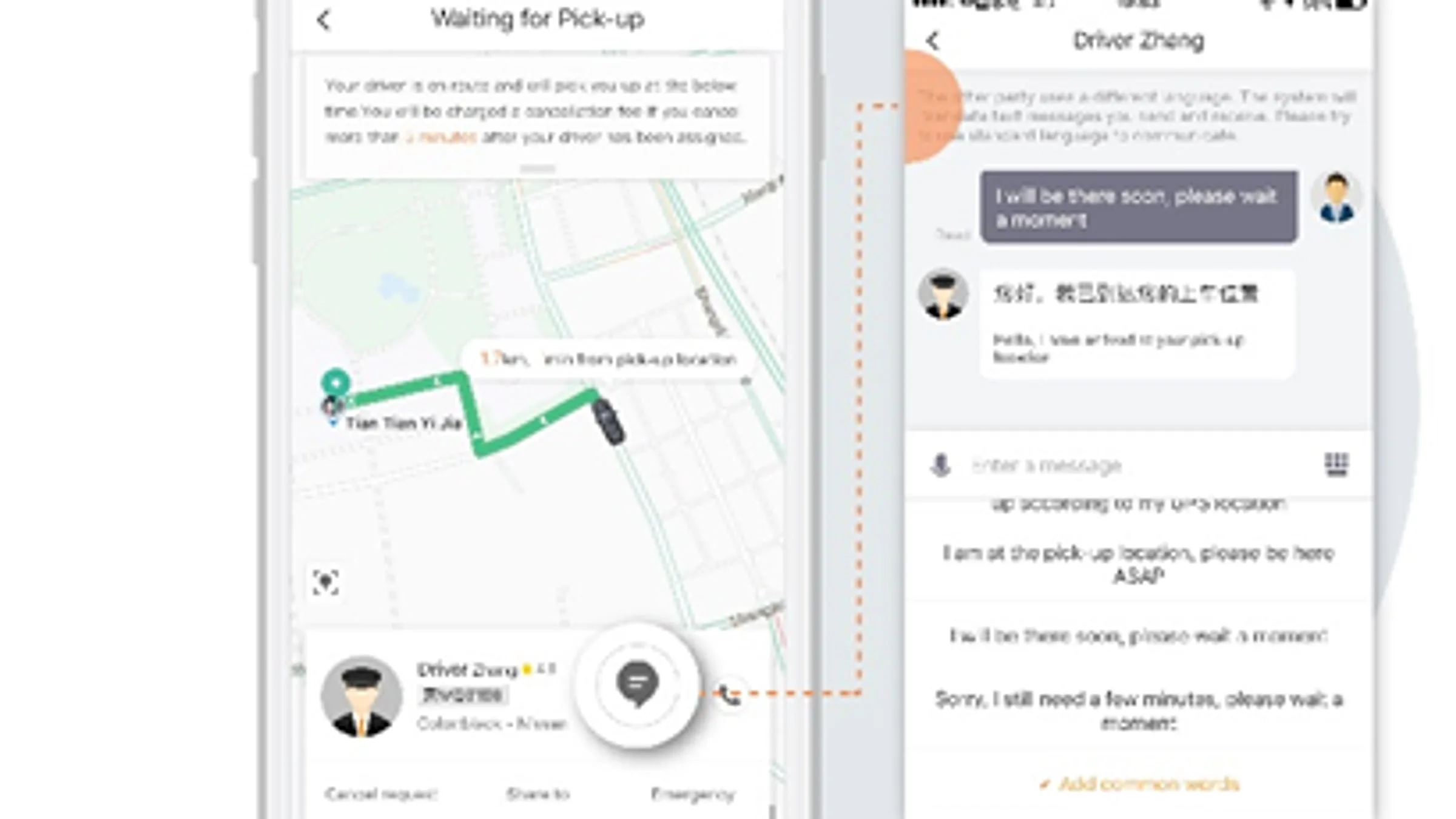
What it does: China’s Uber. Ride-hailing in every city, including airport transfers, with English interface and foreign card payment.
Free or paid: Free to install. Fares paid via linked card.
Setup: Download the international version (search “DiDi” in App Store / Google Play). Sign in via Google, Facebook, or your phone number. Link a credit card or pay via Alipay/WeChat Pay. See the full DiDi guide.
Why it matters: Taxis in China don’t speak English and don’t take cards. DiDi solves both. Average fare from airport to city center in tier-1 cities: ¥50–150 (~$7–20).
5. Amap (高德地图, Gaode Maps)
What it does: Maps and navigation for China. The most accurate in the country because it uses Alibaba’s data. English interface, public transit routing, walking directions, ride-hailing integration.
Free or paid: Free.
Setup: Download “AutoNavi Maps” or “Amap.” Switch to English in Settings. Allow location services.
Why it matters: Google Maps is unreliable in China even with VPN. Apple Maps works but is incomplete. Amap is what Chinese people use and it’s accurate down to the building level. For a deeper comparison, see Maps that work in China.
The strongly recommended (install these)
6. Pleco
What it does: Chinese-English dictionary, character recognition (point your camera at a Chinese character to look it up), stroke order diagrams, example sentences, audio pronunciation. The single best dictionary app for Chinese learners.
Free or paid: Free basic version. $30 for the full version with OCR.
Setup: Download from pleco.com. The free version is enough for travel.
Why it matters: Translates Chinese text on signs, menus, and notices in 2 seconds. Better than Google Translate for Chinese specifically.
7. Google Translate (offline mode)
What it does: Camera-based translation of Chinese text to English (or 100+ other languages). Voice translation. Works without VPN for translation itself, but you need VPN to load the app initially.
Free or paid: Free.
Setup: Download Google Translate. Tap Settings → Offline translation → download Chinese (Simplified) pack (~50 MB). For first use, you need a VPN or to be outside China.
Why it matters: Point your camera at a Chinese menu, ticket counter sign, or handwritten address — it translates in real time. The offline Chinese pack is essential.
8. China Travel (官方”中国游”)
What it does: China’s official tourism app for foreigners. Aggregates entry policy info, suggests itineraries, simulates visa-free entry eligibility, and offers basic Chinese phrasebook with audio.
Free or paid: Free.
Setup: Search “China Travel” in App Store or Google Play. Install and explore — no account required for browsing.
Why it matters: Authoritative source for current visa policies. The phrasebook audio is genuinely useful when you need to ask “Where is the bathroom?” in Chinese.
9. Trip.com (Ctrip)
What it does: China’s biggest travel platform, with full English interface. Book flights, trains (including 12306 tickets), hotels, attraction tickets, day tours, and airport transfers. Better inventory than Booking.com for Chinese hotels.
Free or paid: Free to install. Pay per booking.
Setup: Download the app or use trip.com. Sign up with email. Pay with international Visa/Mastercard.
Why it matters: Some hotels and trains are easier to book through Trip.com than through their own websites. The English customer support is responsive via in-app chat.
10. A VPN second choice (Mullvad or Astrill)
What it does: Backup VPN. Primary VPNs occasionally break in China; a second provider ensures you have a fallback.
Free or paid: Paid. $5–$13/month for the second one.
Setup: Same as primary VPN. Install on the same device if your provider allows multiple simultaneous connections.
Why it matters: When the Great Firewall cracks down on one protocol, having a different provider’s app ready is the difference between a working internet and a stranded one.
The situational ones (install if you need them)
11. Apple Maps or Google Maps (offline)
What it does: Backup navigation if Amap is being weird. Apple Maps works in China without VPN. Google Maps works only with VPN.
Free or paid: Free.
Setup: Apple Maps comes pre-installed on iPhone. Google Maps needs VPN to install and load initial tiles, but offline maps can be saved for specific Chinese cities.
Why it matters: Apple Maps is good for getting the general shape of a city. Google Maps’ transit data for Chinese cities is more accurate but only loads with VPN.
12. Apple Translate or Microsoft Translator
What it does: Translation apps with better Chinese support than Google Translate’s live camera. Apple Translate works fully offline for Chinese.
Free or paid: Free.
Setup: Apple Translate is pre-installed on iPhone. Download Chinese (Simplified) offline pack in Settings. Microsoft Translator is available on both iOS and Android with offline packs.
Why it matters: Backup if Google Translate fails. Apple Translate’s offline Chinese is actually excellent for conversation translation.
13. WeChat mini-programs for hotels and trains
What it does: Inside WeChat, search for “Trip.com,” “Booking.com,” or “12306” mini-programs. They let you book travel without leaving WeChat.
Free or paid: Same as the parent apps.
Setup: Open WeChat → tap the search icon → type the brand name → tap the mini-program result. First time, you may need to authorize.
Why it matters: Avoids downloading a separate app for one booking. The 12306 mini-program is the official way to buy high-speed rail tickets in English.
14. 携程旅行 (Ctrip Chinese version) or 同程旅行 (LY.com)
What it does: The Chinese-language versions of Trip.com. Sometimes have cheaper prices than the English version because of different promotions.
Free or paid: Free to install.
Setup: Search in App Store or Google Play. The interface is mostly in Chinese, but the icons are intuitive enough.
Why it matters: Domestic Chinese prices are sometimes 5–20% lower than what the English version shows. If you can read basic Chinese or use Pleco, you’ll save money.
15. A power bank rental app (来电, Monster Charge, etc.)
What it does: Rents portable chargers at subway stations, malls, and convenience stores via QR code. ¥2–4 per hour. Drop the power bank at any return kiosk in the city.
Free or paid: Free to download. Pay per rental.
Setup: Download “来电” (Laidian) or “怪兽充电” (Monster Charge). Sign in with your phone number. Scan QR on the power bank to unlock.
Why it matters: China’s airports and trains have strict power bank rules (max 100Wh, must be carry-on). Renting instead of bringing your own dodges the rules and saves backpack space.
Apps you do NOT need to install
- TikTok / Douyin — Douyin (the Chinese version) requires a Chinese phone number. International TikTok is not accessible in China. Use WeChat or Bilibili instead.
- Apple Music local — Works in China, but the Chinese music catalog is different. For Spotify, you need a VPN.
- WhatsApp — Works with VPN, blocked without. If you have a stable VPN setup, no separate app needed.
- Facebook / Instagram / X apps — Blocked without VPN. Use VPN to access via browser.
- Google Maps — Incomplete data for China; unreliable even with VPN. Use Amap or Apple Maps instead.
- Uber — Doesn’t operate in China. DiDi is the equivalent.
- Booking.com app — Works in China but Trip.com often has better Chinese hotel inventory and lower prices.
- Western food delivery apps — DoorDash, Uber Eats, etc. don’t operate in China. Meituan and Ele.me are the Chinese equivalents but require Chinese phone numbers and a VPN to use effectively.

The pre-departure setup checklist
3 days before you fly:
- ✅ Install Alipay + bind foreign card
- ✅ Install WeChat + complete real-name verification
- ✅ Install and test primary VPN (force obfuscation protocol)
- ✅ Install backup VPN
- ✅ Install DiDi + sign in
- ✅ Install Amap, switch to English
- ✅ Install Pleco
- ✅ Install Google Translate, download Chinese offline pack
- ✅ Install Trip.com, sign in
- ✅ Install China Travel, browse visa info
1 day before:
- ✅ Test Alipay with a small transaction
- ✅ Test WeChat Pay with a small transaction
- ✅ Test VPN on a different WiFi network
- ✅ Save offline maps for your destinations in Apple Maps or Google Maps
- ✅ Save VPN support contact info in screenshots
- ✅ Bookmark the NIA 12367 hotline in your phone
At the airport:
- ✅ Connect to airport WiFi
- ✅ Test VPN works
- ✅ Test DiDi works (search for a fake destination to confirm)
What to delete after the trip
- Backup VPN (cancel subscription)
- Power bank rental app (unused account)
- 12306 mini-program (after ticket is used)
Apps like Alipay, WeChat, DiDi, Amap, and Pleco stay useful for future trips.
The complete stack in one screenshot
| Priority | App | Cost | Setup time |
|---|---|---|---|
| 1 | Alipay | Free | 5 min |
| 2 | Free | 10 min | |
| 3 | VPN (NordVPN) | $3-13/mo | 15 min |
| 4 | DiDi | Free | 5 min |
| 5 | Amap | Free | 5 min |
| 6 | Pleco | Free / $30 pro | 2 min |
| 7 | Google Translate (offline) | Free | 10 min |
| 8 | China Travel | Free | 2 min |
| 9 | Trip.com | Free | 5 min |
| 10 | Backup VPN | $5-13/mo | 15 min |
Total cost: $8–26/month for the two VPNs. Total setup time: ~75 minutes over 2–3 days. That’s your entire China digital setup.
For the maps comparison, see Maps that work in China. For translation app details, see Best translation apps. For the data connection, see Best eSIM for China.
Where to book
With these apps installed, you’re ready. Here are the two most useful bookings:
Affiliate disclosure: Some links above are affiliate links. We may earn a commission at no extra cost to you. See our Affiliate Disclosure for details.
Plan your trip — verified tools
These free tools are built on real, monthly-verified data and help you skip the trial-and-error phase of China trip planning:
- China eSIM Finder 2026 — Pick the right China eSIM in 30 seconds. Airalo vs Holafly vs Nomad with 2026 pricing, coverage by city tier, and a VPN firewall quick-reference.
- China 6-City 5-Day Budget Calculator — Real 2026 prices for 5 days in Beijing, Shanghai, Guangzhou, Chengdu, Xi’an, or Hangzhou. Budget / mid-range / comfort tiers, broken down line by line.
Verified August 2026 by TravelHubChina Editorial. We re-check prices and policy details monthly so the data doesn’t drift.
Step by step
-
Install Alipay and bind a foreign Visa/Mastercard (5 min)
Download the international Alipay app (not AlipayHK), complete real-name verification with your passport, and link a Visa or Mastercard. Top up $100-200 to start; the 2026 cap is $3,000 per single transaction and $50,000 per year for foreign passport holders. Test with a small transaction the day before you fly.
-
Install WeChat and complete real-name verification (10 min)
Register with your foreign phone number, then verify with your passport to unlock WeChat Pay. WeChat is essential for messaging hotels, guides, and locals — most Chinese contacts will not switch to WhatsApp even if you have a VPN. Test WeChat Pay with a ¥1-5 transaction before departure.
-
Install and test a primary VPN on a different WiFi network (15 min)
Google, Gmail, WhatsApp, Instagram, YouTube, X, Facebook, and Reddit are blocked in mainland China. The VPN download sites themselves are blocked, so install before flying. Recommended: ExpressVPN, NordVPN, or Astrill. Enable obfuscation protocol and test on a different WiFi (some hotels block VPNs on their network).
-
Install DiDi, Amap, Pleco, and Google Translate offline (15 min)
DiDi (China's Uber) needs your foreign card linked. Amap (AutoNavi) is the most accurate map for China — switch the interface to English. Pleco is the best offline Chinese dictionary ($30 for OCR). Google Translate needs the offline Chinese (Simplified) pack downloaded (~50 MB); install while you still have VPN access.
-
Install backup VPN + Trip.com + a power-bank app as situational backups
Primary VPNs occasionally break in China; a second provider (Mullvad, Astrill) is the difference between a working internet and a stranded one. Trip.com is the easiest way to book hotels, trains, and attraction tickets with an English interface and foreign cards. Skip the Chinese apps (TikTok/Douyin, Uber) that need a Chinese phone number.
FAQ
-
What apps should I download before going to China?
The 7 essentials are: (1) Alipay (payment), (2) WeChat (messaging + payment), (3) DiDi (ride-hailing), (4) Amap or Baidu Maps (navigation), (5) Pleco (Chinese dictionary), (6) VPN (NordVPN, ExpressVPN), (7) Airalo or Holafly eSIM. Download all of them at home — Google, WhatsApp, and most Western apps do not work in China. -
Can I use WhatsApp in China without a VPN?
No. WhatsApp is blocked by the Great Firewall. Without a VPN, you cannot send or receive messages. Workarounds: (1) use a VPN to access WhatsApp, (2) switch to WeChat for messaging locals, (3) use Telegram or Signal with a VPN. For most travelers, the easiest is VPN + WhatsApp, plus WeChat for communicating with hotels, guides, and Chinese friends. -
Do I need both Alipay and WeChat Pay?
Yes. Most merchants accept both, but smaller vendors sometimes accept only one. Alipay is generally easier for foreigners (simpler signup, English UI in the international version), while WeChat is essential for messaging and is what most Chinese use to split bills. Setup both before you arrive. -
What is the best translation app for China?
Pleco is the best dictionary and offline translator — essential for reading menus, signs, and taxi drivers. For real-time conversation translation, Google Translate (with VPN) and Baidu Translate are the top choices. Pleco + Baidu Translate covers most needs, even offline.
Related guides
- Connectivity
What's Blocked in China 2026: Internet, WiFi, eSIM and VPN Reality
What actually works in China in 2026 and what does not: the roughly 80% of the internet you can use without a VPN, the sites that stay blocked, hotel WiFi vs mobile data, the legal position since 2023, and the VPNs that still connect.
10min read
- Connectivity
Best VPN for China 2026: 5 That Still Work (Tested Monthly)
Which VPNs actually work in mainland China in 2026? Tested monthly against the Great Firewall. ExpressVPN, Astrill, NordVPN, Mullvad, and Surfshark — the honest 2026 ranking with real performance data, setup instructions, and 3 mistakes that will get your VPN blocked at the border. China blocks 90% of VPN providers — the working 5% are tested here.
4min read
- Connectivity
How to Set Up a China eSIM in 2026: iPhone & Android Step-by-Step (Trip.com Top 5)
Activate a China eSIM in 5 minutes before you fly. iPhone 15/16 and Android setup, APN config, and what to do if it won't connect on landing. Uses Trip.com's 5 best-selling China eSIMs (Mainland/HK/Macau from $0.17/day) with verified affiliate links.
7min read
- Itineraries
China Travel Guide 2026: Complete A-Z for Foreign Visitors
The only China travel guide you'll need in 2026: 30-day visa-free entry for 50+ countries, 240h transit, Alipay/WeChat Pay setup, DiDi ride-hailing, China high-speed rail, hotel booking, regional food, cultural etiquette, safety, and 7 ready-made itineraries. Updated 2026-08-21 with new 240-hour visa-free transit rules and Trip.com affiliate integration.
25min read
- Culture & Practical
Solo Female Travel in China 2026: The Honest Safety Guide Foreigners Don't Get
China is statistically one of the safer large countries for solo female travelers, but the safety profile is different from Western countries. What works in Tokyo or Paris may not work in Beijing. The 2026 honest guide: 8 specific safety scenarios (DiDi at night, hostel vs hotel, walking alone, foreigner-targeted scams, hostel harassment, menstruation access, dating safety, embassy backup), ranked by frequency and risk. Includes the 5 phrases every solo female traveler should learn, and the 2 scenarios where you should NOT go alone.
5min read
- Connectivity
Top 5 China eSIMs on Trip.com 2026: Pricing, Plans & What Travelers Buy
Real data on the 5 best-selling China-region eSIMs on Trip.com in 2026. Verified pricing, sales counts, and fast-selling badges from the Trip.com marketplace. Mainland China + Hong Kong + Macau only — no Asia or Japan fluff.
9min read